1 min read
Ghost for Rob Run - installation and launch guide
Windows preparation, key activation, launching Ghost and troubleshooting ESP display issues.
Requirements
- Windows 10 or 11, all versions.
- Intel or AMD processor, NVIDIA or AMD graphics card.
- Steam, windowed or borderless mode.
1. Antivirus preparation
Uninstall third-party antivirus software and disable built-in Windows protection using Dcontrol.
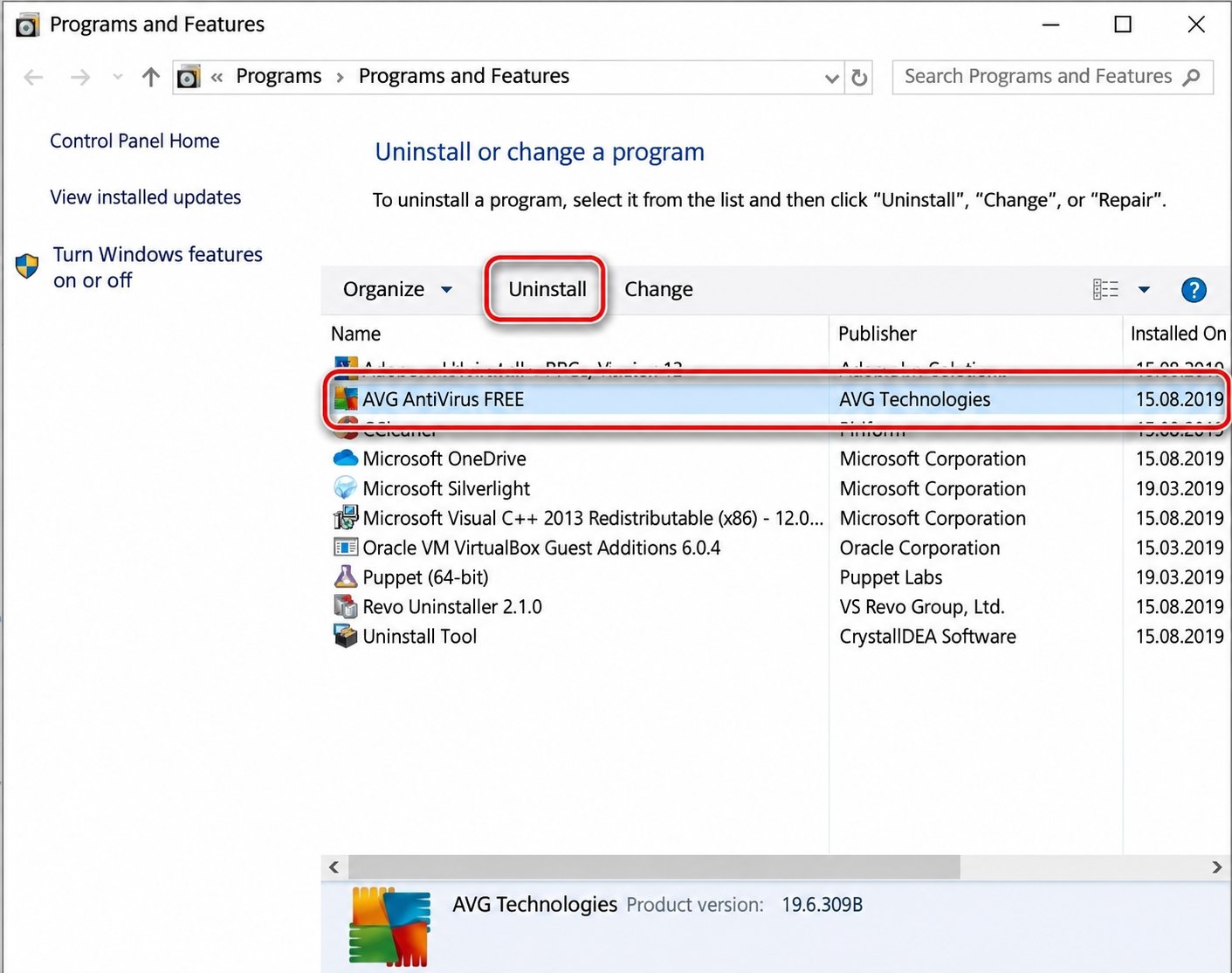
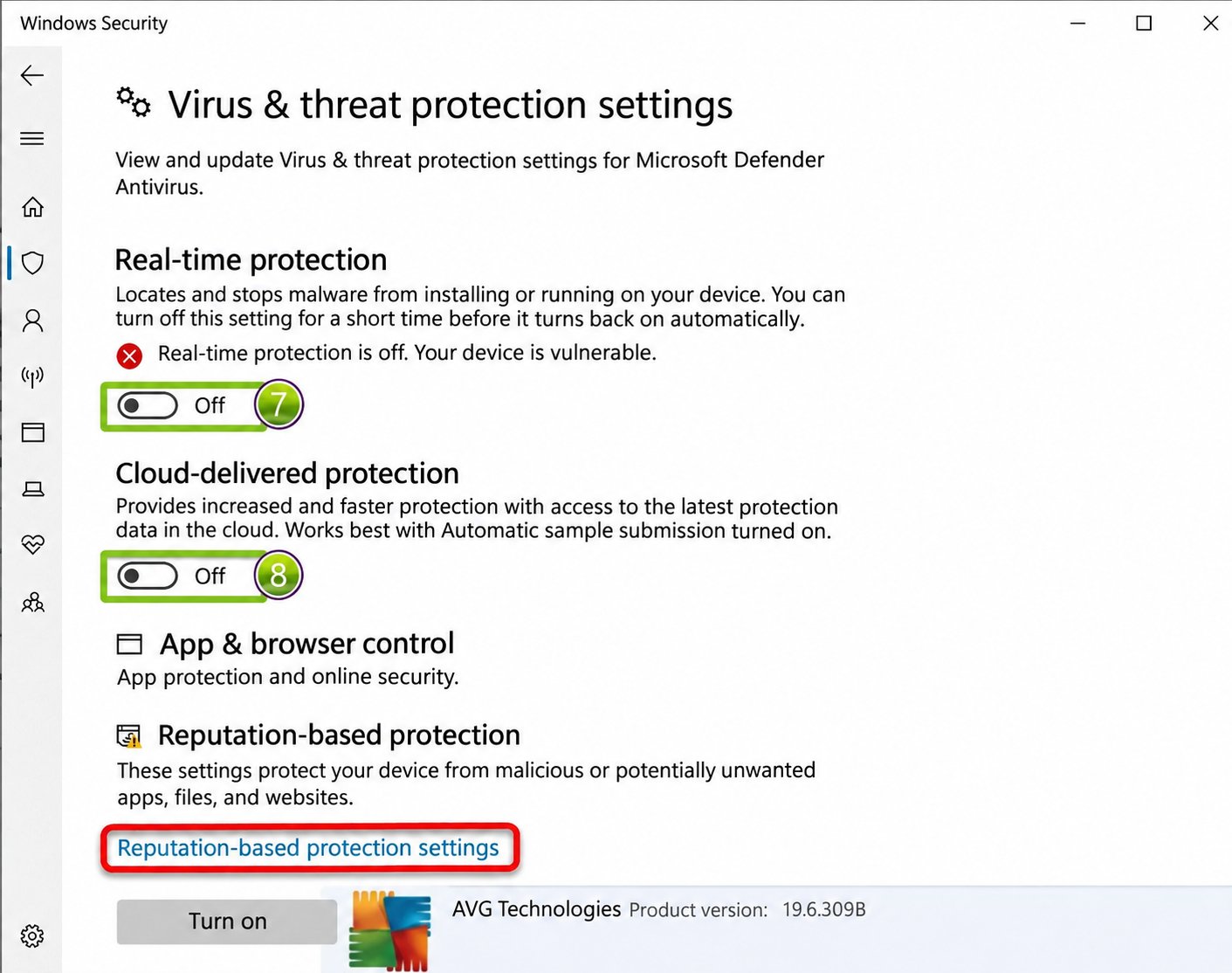
2. Real-time protection
In Windows Security, open the virus protection settings and turn off real-time protection.
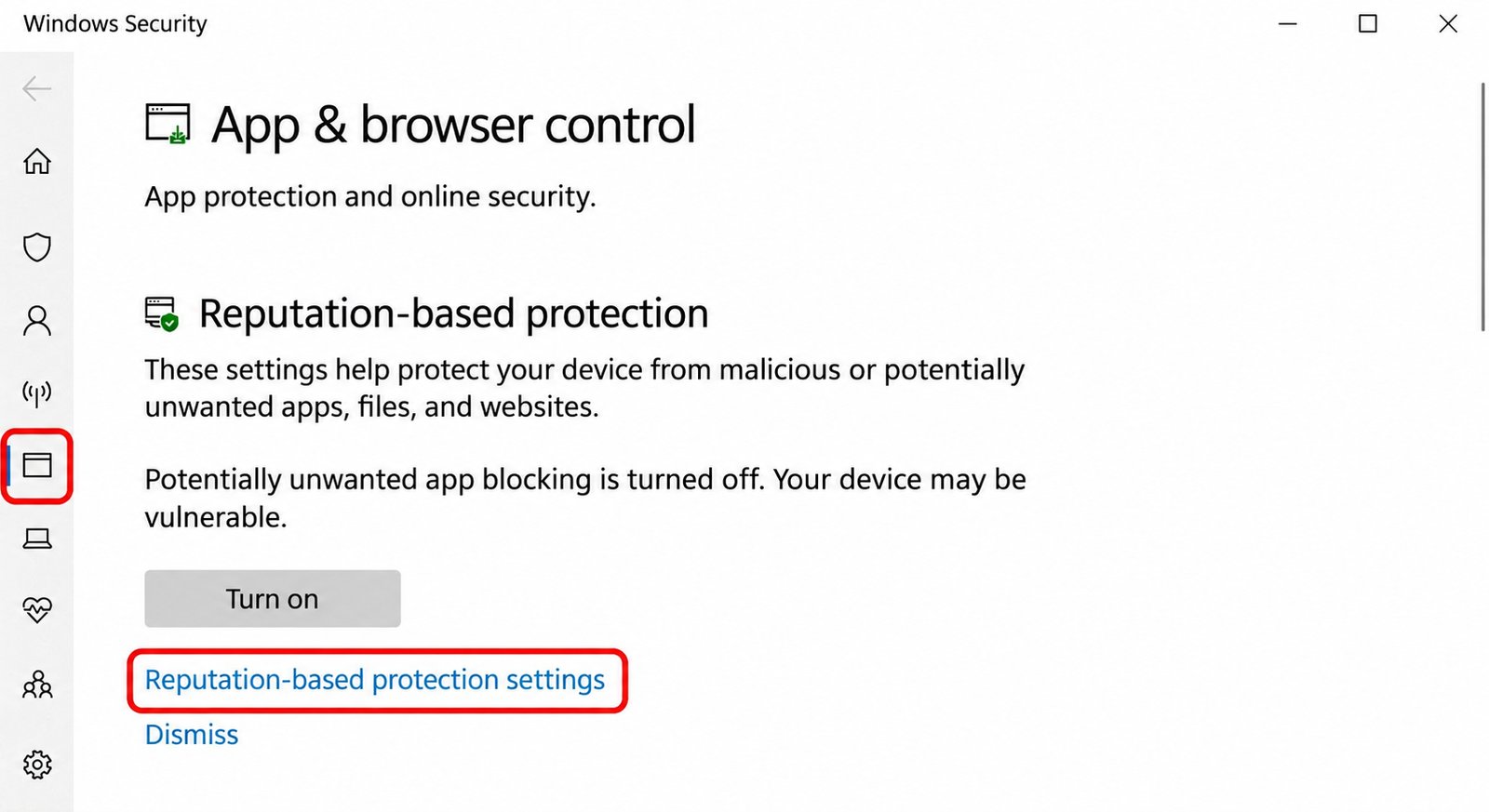
3. Reputation-based protection
Under App & browser control, open reputation-based protection and turn off its settings.
4. Activation key
After purchase, use the Ghost key you received.
5. Activation
Go to ghost.download, enter your key and continue.
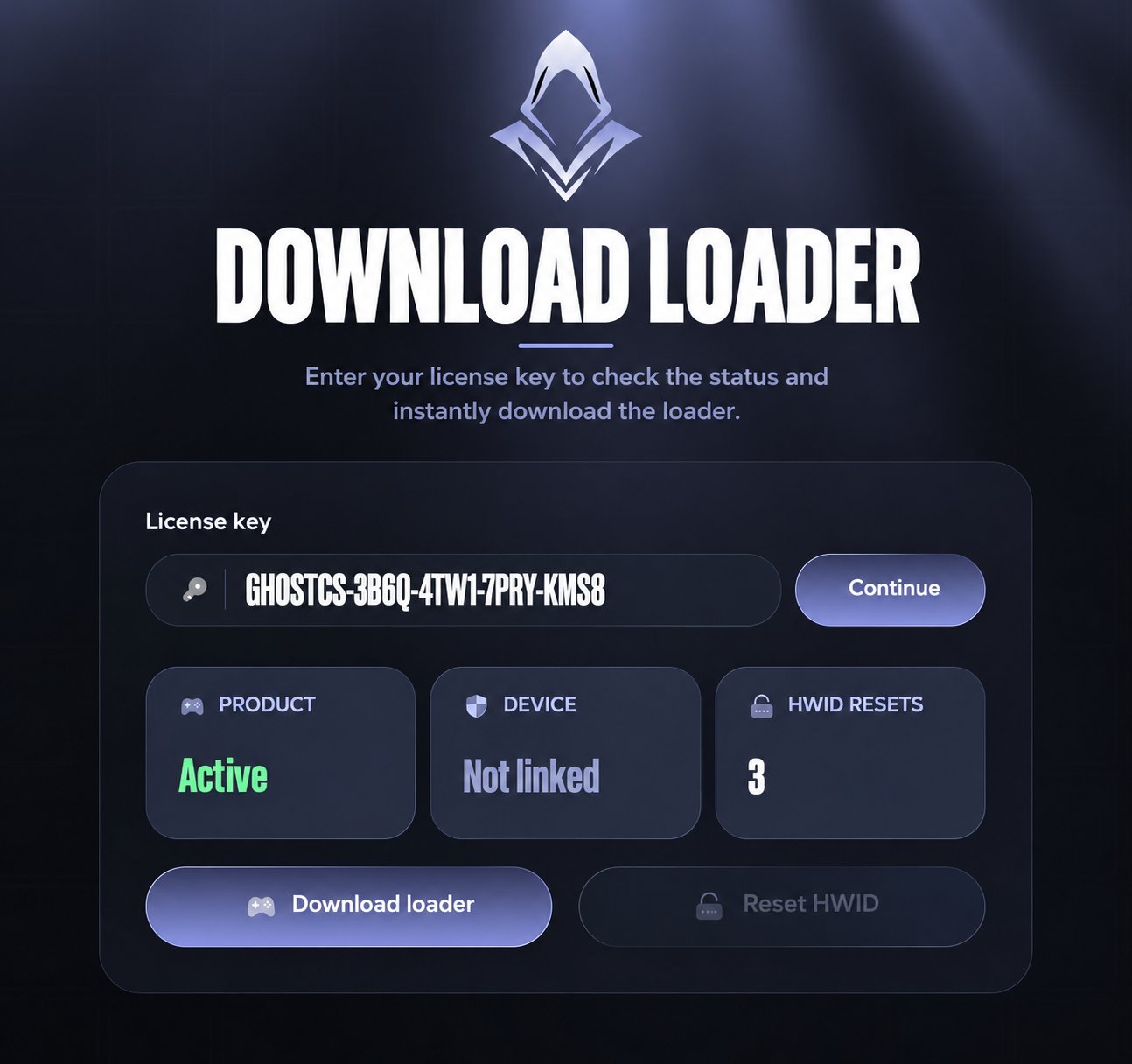
6. Launcher
After activation, download the launcher. The source suggests changing browser protection settings if the download is blocked.
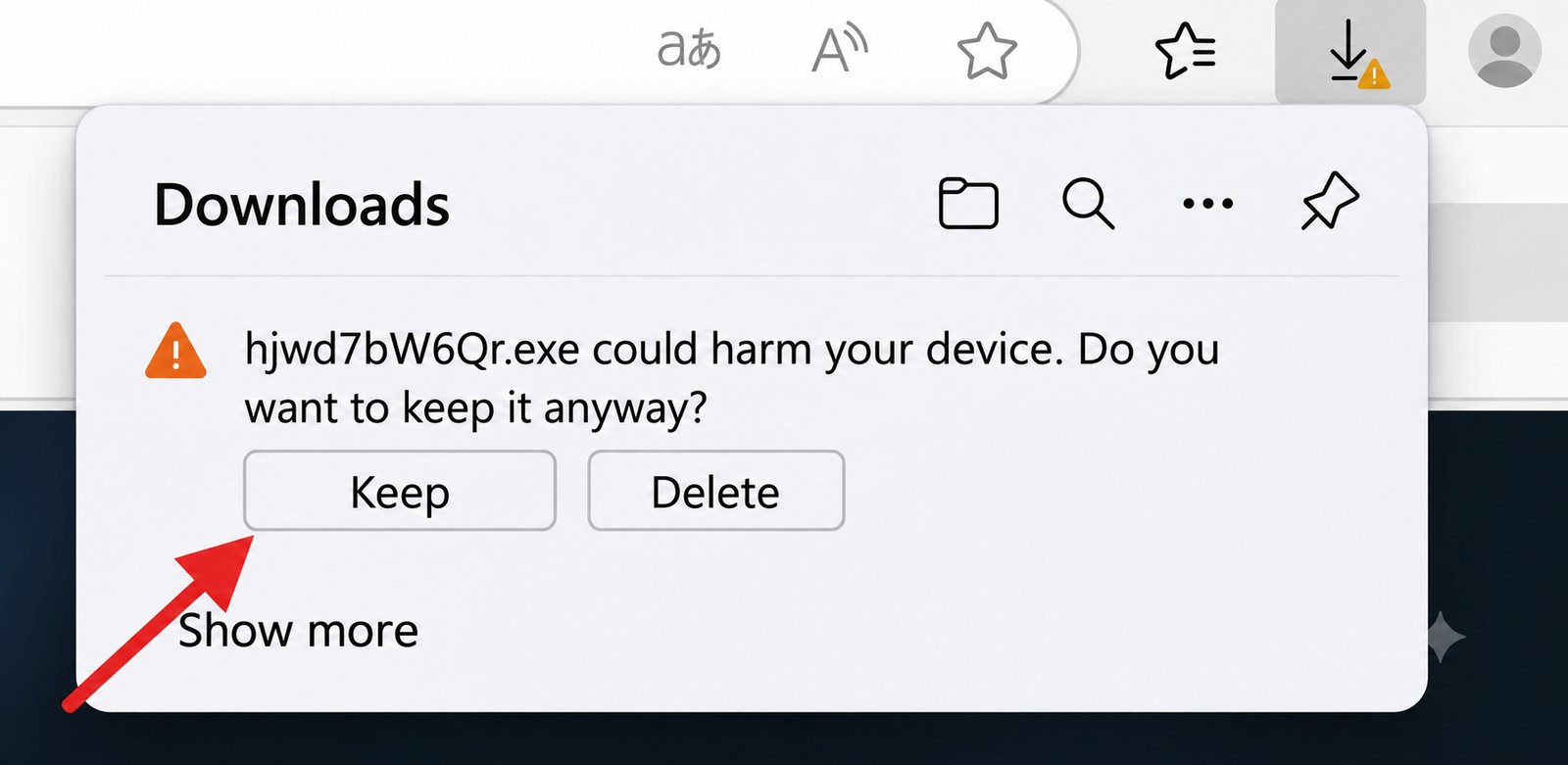
7. Launch
Open the launcher. If loading takes longer than two minutes or the window closes, launch it again. Wait for the ready message, then open the game.

8. Menu
After injection, press INSERT to toggle the menu.
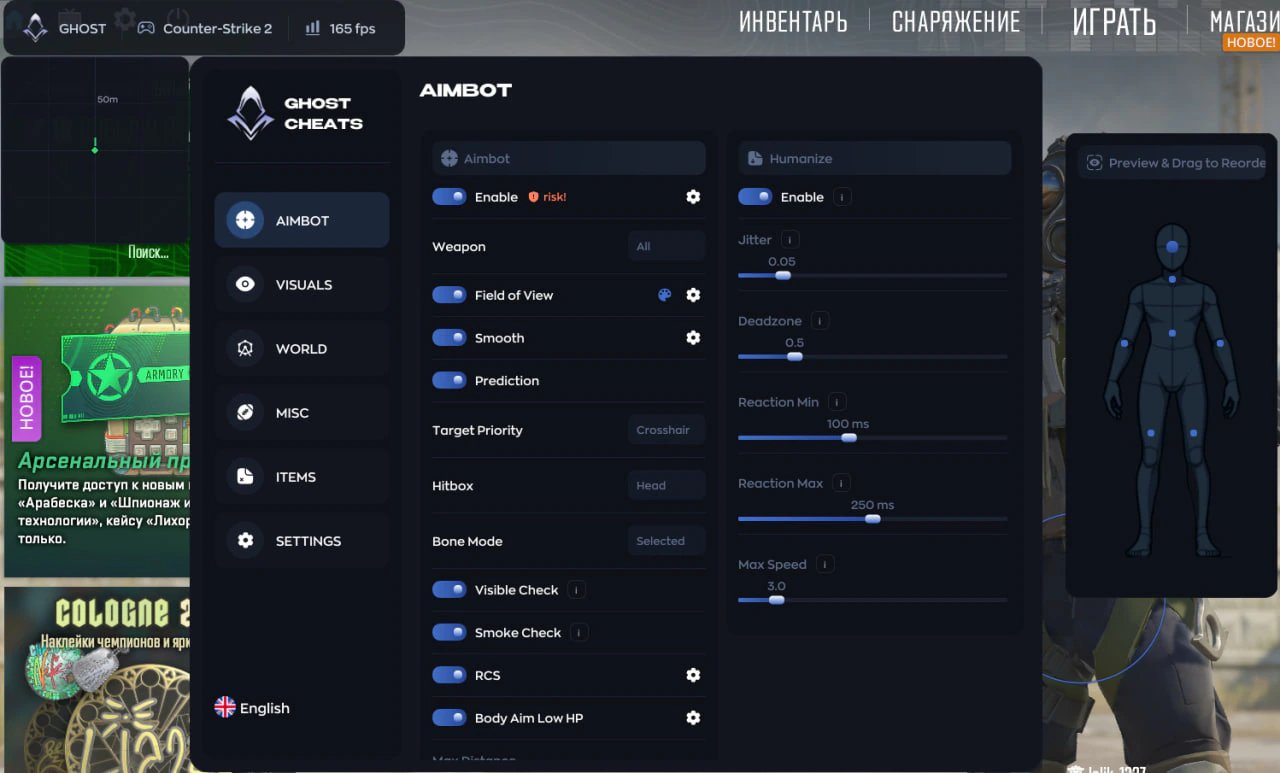
If ESP displays incorrectly
Save the in-game graphics settings. Change the resolution if necessary. Set scaling to 100% in Windows display settings.